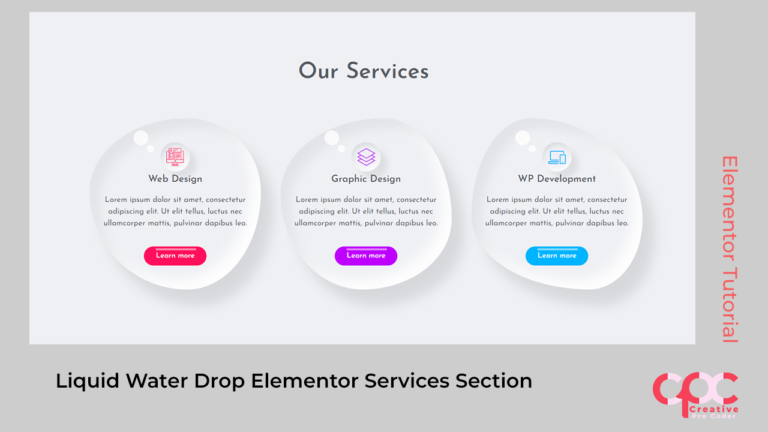
Team/Business Profile Card In Elementor Code used in video
Section Color:
Section Background Color: #e7e7e7Column Custom CSS
selector{
    border-radius: 20px;
    box-shadow: 10px 10px 15px #c7c4c4, -10px -10px 15px #ffffff;
}
selector:hover{
    box-shadow: inset 10px 10px 15px #7c7c7c2e, inset -10px -10px 15px #fff;
}
Social Media Icons
Social Media Icons color:

Same Primary Color for all: #ececec

Facebook: #1877f2
Whatsapp: #25d366
Instagram: #e1306c
twitter: #1da1f2

Icons Custom CSS:

.elementor-social-icon{
    box-shadow: 10px 10px 15px #c7c4c4, -10px -10px 15px #ffffff!important;
}
.elementor-social-icon:hover{
    box-shadow: inset 5px 5px 5px #c7c4c4, inset -5px -5px 5px #ffffff!important;
}
Buttons
Button CSS:

Background Color: #ececec;
Color: #202020

.elementor-button{
    border-radius: 10px;
    box-shadow: 10px 10px 15px #c7c4c4, -10px -10px 15px #ffffff!important;
}
.elementor-button:hover{
    box-shadow: inset 5px 5px 5px #c7c4c4, inset -5px -5px 5px #ffffff!important;
}